How to Install Sublime Text on Ubuntu 24.04
Sublime text editor can be installed using Sublime’s repository, Snap Store, or the flatpak/flathub. Read out this post for details of each method.
Sublime text editor can be installed using Sublime’s repository, Snap Store, or the flatpak/flathub. Read out this post for details of each method.

To install Google Earth on Ubuntu or any Linux distro, get the package file from the downloads page and install it using the package manager to install it.

To install RealVNC Viewer on Ubuntu 24.04, download the “.deb” package file and use the “apt” or the “dpkg” command(s) to install RealVNC from that downloaded file.

Get the libfuse2 library and then make the AppImage executable. Finally, run it from the terminal. Read this post to learn more about AppImage.
The SCP command uses the SSH protocol for authentication and connection. After establishing a connection, the source file/directory to the destination/target.
To install AWS CLI, use the snap command or pipx package manager. However, if you need the latest version of AWS CLI, you can directly download its zip file.

Conda has two main distributions; Miniconda and Anaconda. Read this guide to install them, update, and remove Conda from Ubuntu 24.04.
Learn an effective way to install the SSH server’s implementation on Ubuntu 24.04. Do check the post for the detailed configuration of the SSH server.

To install PostgreSQL on Ubuntu 24.04, update the packages index, and install PostgreSQL along with the “postgresql-contrib” package.

To set the environment variable use the export command and to make it global place it in the /etc/environment file.

To install Anaconda on Ubuntu 24.04, download its installer from the official website. Then, run the installer by using “sh

LIMIT is an optional clause in PostgreSQL that is executed with a SELECT query to fetch only specific/limited records from a table.

“DELETE CASCADE” feature in Postgres ensures referential integrity by automatically deleting all child records when the corresponding parent record is deleted.

The NOW() function returns the current date and time along with the time zone information. The returned data type of this function is “TIMESTAMPTZ”.

To find the database and table sizes in PostgreSQL, the pg_database_size() and the pg_relation_size() functions are used, respectively.

The keyboard shortcut key combinations like “Ctrl+Shift+Up”, “Ctrl+Shift+down”, “Shift+pgup”, “Shift+pgdn”, and “Ctrl+end” are used to scroll in Linux Terminal.

To update the table values/data in PostgreSQL, the UPDATE command is used. This statement allows the user to update the previous data to new data values.

In PostgreSQL, the SELECT statement is used with the FROM clause to get/fetch the required result from the specified table.

To rename a table in PostgreSQL, use the ALTER TABLE statement along with the RENAME TO clause. A table can be renamed manually using pgAdmin.
To insert values/rows into a Postgres table, use the INSERT INTO statement. The VALUE clause is used to specify the values that need to be inserted.
In Postgres, a Primary key can be added to a column during table creation. It can be added to an existing table using the ALTER TABLE ADD CONSTRAINT command.
In PostgreSQL, the DELETE statement is used with the FROM clause to delete a single, multiple, or all rows of a specific table.

To create a table in PostgreSQL, execute the CREATE TABLE statement either in pgAdmin or in psql. Postgres tables can also be created manually using pgAdmin.

To create a database in PostgreSQL, execute the “CREATE DATABASE” command in the SQL Shell or pgAdmin. Users can also create databases manually using pgAdmin

To drop/delete a column from a PostgreSQL table, we can use the ALTER TABLE statement and the DROP COLUMN clause together.

Execute the DROP TABLE command either in SQL Shell or in pgAdmin to drop a particular table in Postgres. A table can also be dropped manually using pgAdmin.
To switch a database in Postgres, execute the “\c db_name” or “\connect db_name” command in psql. Or you can switch a database manually using pgAdmin.

The CIFS share is mounted when the mount command is used with the cifs-utility. To automatically mount, credentials are added in the/etc/fstab file.
10 commands that can be destructive to Linux OS are explained in this blog, and users should avoid running these commands.

To reattach an existing screen session, use the “screen” tool followed by the “-r(reattach)” argument and the “SID” or the “specific session name”.
gdm3, kdm, and lightdm are display managers of Linux that provide the interface for the login screen and can be installed or uninstalled.

The error is caused when the user tries to change the hostname, which is not found in the /etc/hosts file, and it is fixed by adding the hostname to that file.

The find -mtime +1 only returns files older than two days because it only returns the files modified in the last two or less than two days.

While uninstalling docker, a few configuration files and components must be manually deleted through a series of commands which require execution one by one.

Sharing large videos takes a lot of time, so FFmpeg is used to manipulate videos, change resolutions, and trim so that the size is reduced.
To create a “.pem” file using the SCP, use the “ssh-keygen -f ~/.ssh/id_rsa -e -m pem” command. Then, upload or download a file or directory using SCP.

When a user exceeds the assigned disk quota, it causes “Disk Quota Exceeded,” which is fixed by freeing the disk space or getting more quota.

Explore the differences between KDE and Gnome, two popular desktop environments for Linux. Decide which one is right for you.

In Linux, all the “.run” files can be installed by using the “chmod” command and the “Permissions” options to make them executable.
The sysctl command allows the user to modify the kernel parameters on the Linux system at runtime. You should only do that if you are fully aware.

FFmpeg is the most widely used video conversion and compression software used for multimedia files … Read More
In Linux, the pwd command prints out the directory you are currently working on and provides an exact path from the root to the current directory.

The kill command is used to pass different signals in Linux to manage the behavior of the processes. In this blog, the kill command has been explained in detail.

The cd command in Linux is used to change the directory. We can change our directory to another directory, home directory, or directly to the root directory

The grep command can be used to find the words in the files of Linux. The words can be found in the current directory and its sub-directories.

The uname command is used in Linux to display the basic information of the computer, including kernel name, hostname, kernel version, and processor type.

GRUB is the abbreviation of GRand Unified Bootloader and is a bootloader and a boot manager. GRUB plays a key role in the Boot process.

To start, stop & restart the services on Ubuntu, use any of these“systemctl”, “service”, and “init” command utilities. Read out this article to learn more.
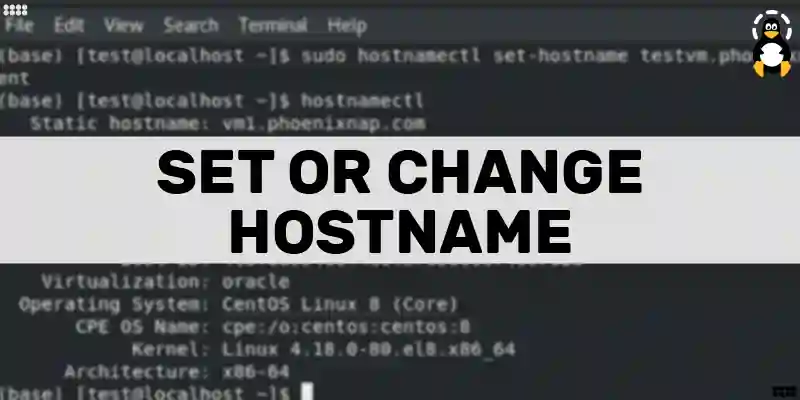
You can change the hostname on your Linux system using different methods, such as hostnamectl, hostname, nmtui, nmcli, and system settings.

In Python, the “len()” function, the “for loop with isinstance() function”, and the recursive function are used to calculate the dictionary’s length.
In Python, the “math.log2()” function of the “math” module returns the logarithm of the number to base 2. The input number must be greater than zero.
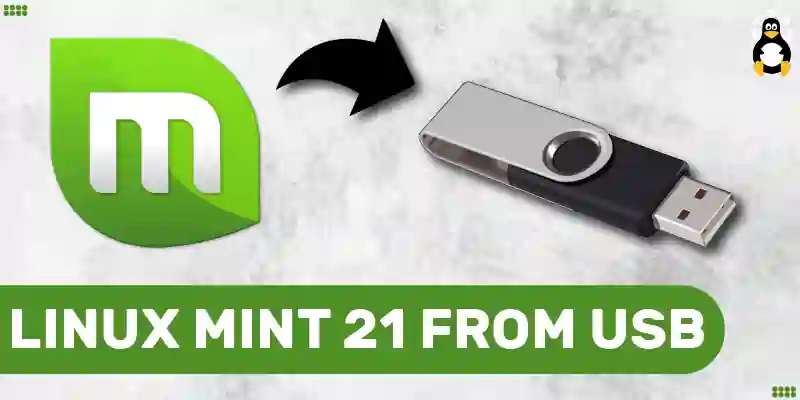
To install Linux Mint 21 from USB, first, download the iso file of Linux Mint 21, make the USB bootable with the downloaded iso file, and finally install it on the computer.
Some of the most common usages of the apt command in Ubuntu are updating and … Read More

If you are wondering whether Ubuntu is Debian based or looking for the key similarities and differences between them. Then read this article for more details.

Visual Studio Code can be installed on Ubuntu 22.04 using the apt package manager “sudo apt install code” or using the “sudo snap install code –classic”.

In Python, the relational operator is used to draw a comparison between values. The return type of these operators is a Boolean (true or false).

To install OpenOffice on Ubuntu 22.04, install the JDK. Then download and unzip setup file, move to the “en-US/DEBS/” directory, and install the “.deb” package.
The “re.sub()” method is used to replace the strings by taking a string variable as an input. The “re.sub()” method is invoked after the “re” module.

In Python, the “bin()” function, “format()” function, “f-string()” function, and “str.format()” method can be used to convert an integer to binary.
Files are copied to a different directory using either the “cp” command or the “rsync” tool. Using these, single, multiple, as well as all files can be copied.
On Ubuntu 22.04, to install Skye, either use Ubuntu Software Center or Snap by executing the “sudo snap install skype –classic” command on the terminal.

To install Telegram on Ubuntu 22.04, use Ubuntu Software Center or run “sudo apt install telegram-desktop -y” on the Ubuntu 22.04 terminal.
To install the Apache web server on Ubuntu 22.04, first, update the system packages. Then install Apache using “sudo apt install apache2” command on terminal.

XnView MP can be installed on Ubuntu 22.04 using the DEB package or from the flathub repository. XnView MP has not released its repo for Ubuntu 22.04 yet.

First, you must install Animation Maker on Ubuntu 22.04. After installation, you can use this robust tool to create animated presentations on Ubuntu 22.04.

To install KIO GDrive on Ubuntu 22.04, first install the KDE account provider package. Then install KIO GDrive using “sudo apt install -y kio-gdrive” command.

To reset root password, open and edit GRUB menu, find line begins with “linux”, add “rw init=/bin/bash” line and use “passwd” command to reset password.

Zoom can be installed on Ubuntu 22.04 using the GUI support of snap. Additionally, the deb package of ZOOM can also be used to install it on Ubuntu 22.04.
To install Postman on Ubuntu 22.04, first, install snap utility on Ubuntu 22.04 and execute the “$ sudo snap install postman” command on Ubuntu terminal.

To download and install Google Fonts on Ubuntu 22.04, first download Font zip file from Google site, extract it, then install Font Manager to install Fonts.