
How to fix the “Python.h: No such file or directory” error
The two main causes for the “Python.h: No such file or directory” error are missing the library and the compiler being unable to locate the library.
The two main causes for the “Python.h: No such file or directory” error are missing the library and the compiler being unable to locate the library.

The “floating point exception (core dumped)” error can be caused by invalid mathematical operations, overflow, or underflow of data types.
The error “No module named ‘psycopg2” is caused by the absence of the psycopg2 package or some confusion caused in creating a variable or python file.

The “_tkinter.TclError: no display name and no $DISPLAY environment variable” error is fixed by adding the matplotlib or creating a display variable.

To check dependencies of a package, use “sudo apt show [package name]” command. Replace the [package name] with your desired package name.

To search for a package including specific file, install “apt-file” and search using “sudo apt-file search -i [file name]” command.
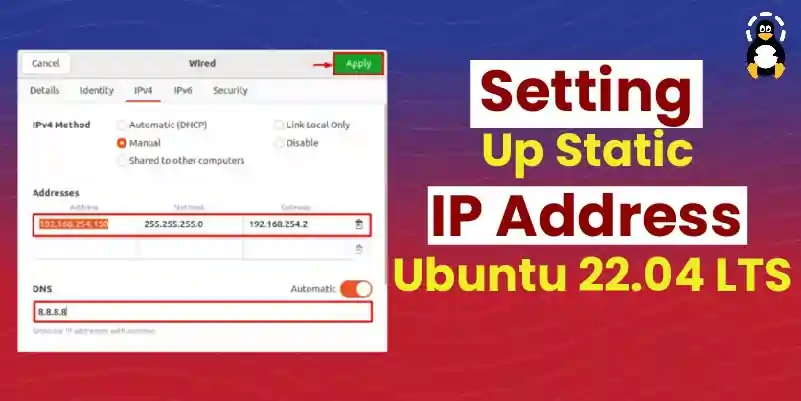
On Ubuntu 22.04, a Static IP address can be set either using default System Settings or with the command-line interface by executing the “nmtui” command.

To set up a Firewall on Ubuntu 22.04, first install the Firewall using the “sudo apt install ufw” command. Then enable Firewall and open ports on Ubuntu 22.04.

On Ubuntu 22.04, to install PHP Composer, first, install PHP and curl command. Then, download the setup file of Composer and install it on the system.

To install PHP 8 on Ubuntu 22.04, firstly, add the PHP PPA repository. Then, install PHP 8 with “sudo apt install php8.0 -y” command on Ubuntu 22.04 terminal.
The error “undefined reference to ‘pow’” can occur due to the absence of the
The “Youtube said: Unable to extract video data. Youtube-dl” error can occur due to corrupted or outdated files of the youtube_dl program.
The “fuse: bad mount point `/mnt’: Transport endpoint is not connected” error can occur during the process of mounting and unmounting of filesystems.
The “ZipImportError: can’t decompress data; zlib not available” error occurs because a dependency library “zlib” is not installed.

To install Brackets on Ubuntu 22.04, use Ubuntu Software Center or Snap by running “sudo snap install brackets –classic” command on Ubuntu 22.04 terminal.
To install Brave Browser on Ubuntu 22.04, import the GPG key, add Brave Browser repository, then use “sudo apt install brave-browser” command.
To install Terminus (Tabby) on Ubuntu 22.04, first download setup file, move to “Downloads” folder, run “sudo dpkg -i tabby-1.0.181-linux-x64.deb” command on terminal.
Nmap is used to scan or open specific ports and URLs using Host IP addresses. To install Nmap on Ubuntu 22.04, use “sudo apt install nmap” command.
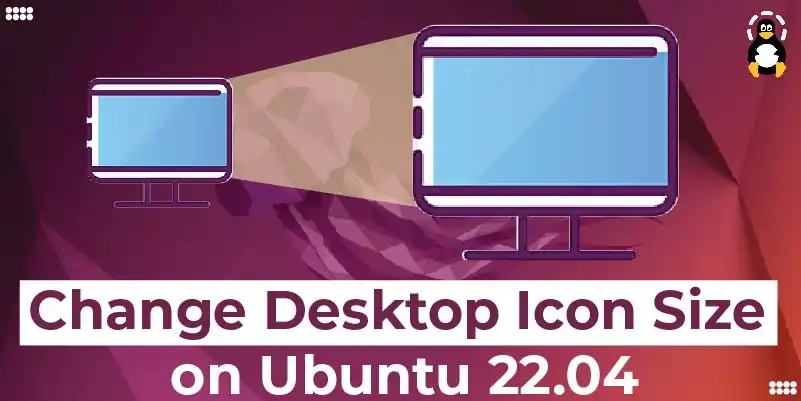
To change Ubuntu 22.04 desktop icon size, use system settings or GNOME Extension by installing it with “sudo apt install gnome-shell-extension-prefs” command.
To change Ubuntu 22.04 Timezone, you can use GUI or terminal by specifying the required Timezone in “sudo timedatectl set-timezone

On Ubuntu 22.04, to install Atom Text Editor either use Ubuntu software store or snap store using “sudo snap install atom –classic” command.

To install Java on Ubuntu 22.04, first, download the JDK 18 setup file and install it by using “sudo apt install ./jdk-18_linux-x64_bin.deb” command.
On Ubuntu 22.04, first add the “deadsnakes” PPA repository and install Python 3.9 using the “sudo apt install python3.9 -y” command or either use setup file.
To install MariaDB, first import GPG key and add the MariaDB repository. Then install MariaDB using “sudo apt install mariadb-server mariadb-client -y” command.
To install GitLab on Ubuntu 22.04, first, import GPG key and repository of GitLab.Then update system packages and execute “sudo apt install gitlab-ce” command.

To install Yarn on Ubuntu 22.04, first import GPG key. Then add Yarn’s repository into the system and install it using the “sudo apt install yarn -y” command.
On Ubuntu 22.04, to install PostgreSQL, import GPG key, add the PostgreSQL repository, and run the “sudo apt install postgresql-client postgresql” command.
On Ubuntu 22.04, to install MySQL first update the system packages. Then run the “sudo apt install mysql-server -y” command to install the MySQL server.

On Ubuntu 22.04, to add new Swap Space, check out the available hard drive space. Then, use “sudo fallocate -l 1G /swapfile1” command to create a new Swap file.
On Ubuntu 22.04, add or remove users using GUI system settings or Terminal by using commands “sudo adduser newuser” and “sudo deluser newuser,” respectively.

To install curl on Ubuntu 22.04, first update the system packages. Then execute the “sudo apt install curl” command on the terminal.

To install KDE on Ubuntu 22.04, use “sudo apt install kde-standard” command for KDE Standard or “sudo apt install kde-plasma-desktop” command for KDE Plasma.
On Ubuntu 22.04 install the Ping command by executing “sudo apt install iputils-ping” on Ubuntu’s terminal and verify the installation by “which ping” command.

To install Notepad++ on Ubuntu 22.04 either use Ubuntu Software Center or use “sudo snap install notepad-plus-plus” on the Ubuntu 22.04 terminal.
MYSQL Workbench can be installed on Ubuntu 22.04 using the “sudo snap install mysql-workbench-community” command. To use it, MYSQL services must be enabled.
To install Gitea on Ubuntu, first install Git, then install MariaDB server and create new database for Gitea. Then download and install Gitea setup on system.
Dropbox can be installed on Ubuntu 22.04 using the GUI (Ubuntu software store). It is file hosted application software that stores data on cloud storage.

JDK 14 can be installed on Ubuntu 22.04 using the archive or deb file. JDK is equipped with Java classes/libraries, JVM, JRE, and development tools.
To make Ubuntu 22.04 look like Mac OS, download and enable themes and icons from Gnome’s official website and make the required system settings.
On Ubuntu 22.04, to install Flask, first install and activate virtual environment. Then create new directory and install Flask using “pip install Flask” command.

To install Microsoft Teams on Ubuntu 22.04, first, download the setup file then install it using “sudo dpkg -i teams_1.5.00.10453_amd64.deb” command.

To manually install fonts on Ubuntu 22.04, download and unpack the fonts file. Choose a font to copy. Create a “.fonts” folder and paste the copied font there.
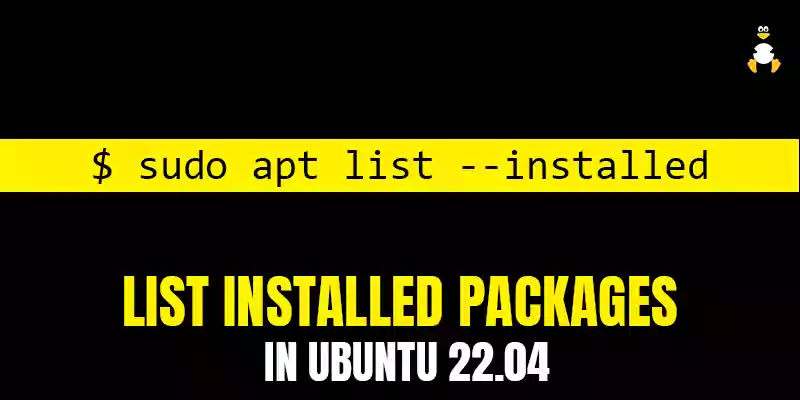
To list installed packages, use “dpkg -l | grep ^ii” command on the terminal or by using the Ubuntu Software Center to view the list of installed packages.
To install Transmission 3.00 BitTorrent Client in Ubuntu 22.04, run “sudo apt install transmission” command or use Ubuntu Software Center.

To install SQLite Browser on Ubuntu first install SQLite, then install SQLite Browser through the “sudo apt install sqlitebrowser” command on the terminal.

To install Facebook Messenger on Ubuntu 22.04, download the setup file of Franz and install it with the “sudo apt install ./franz_5.9.2_amd64.deb” command.

On Ubuntu 22.04, install PlayOnLinux using “sudo apt install playonlinux” command or open the Ubuntu software store and install PlayOnLinux directly using GUI.
To install Opera Web Browser on Ubuntu 22.04, either use Ubuntu Software Center or download its “deb” file and install it using the Ubuntu 22.04 terminal.

To install Nagios on Ubuntu 22.04, install required dependencies and download Nagios setup file. Then extract and install it using “sudo make install” command.
Apache Tomcat can be installed on Ubuntu 22.04 from its website. This post enlists the configuration steps of the Tomcat server on Ubuntu 22.04.
To install VeraCrypt on Ubuntu 22.04, add the “unit193” repository, update the system and execute the “sudo apt install veracrypt -y” command on the terminal.
A user can be added to Sudoers on Ubuntu 22.04 using the usermod command (sudo usermod -aG sudo

To install ImageMagick on Ubuntu 22.04, use the Ubuntu Software Center or execute the “sudo apt install imagemagick -y” command on Ubuntu 22.04 terminal.

To install LibreOffice on Ubuntu 22.04, use the Ubuntu Software Center or execute the “sudo apt install libreoffice” command on Ubuntu 22.04 terminal.

To install Tiled on Ubuntu 22.04, either execute the “sudo snap install tiled” command on Terminal or utilize the Ubuntu Software Center.
To install Jupyter on Ubuntu 22.04, first install python3-pip. Create and activate virtual environment and install Jupyter using “pip3 install jupyter” command.
To install Slack on Ubuntu 22.04, use the Ubuntu Software Center or execute the “sudo apt install -y slack” command on Ubuntu 22.04 terminal.
In Ubuntu 22.04, you can find files using “Activities” menu (GUI method) or utilize “find” and “locate” (terminal method) for finding files using command-line.

You can download the themes and icons set from the Gnome-look website. To apply them, you need to have GNOME-Tweak and Gnome shell extensions on your system.
The folder colors can be changed by adding the PPA repository of Yaru-folder-color. You can change the colors or set an identification on the folder.
Apache can be installed using “sudo apt install apache2” on Ubuntu 22.04. This guide lists down steps to set up virtual hosts on Ubuntu 22.04.
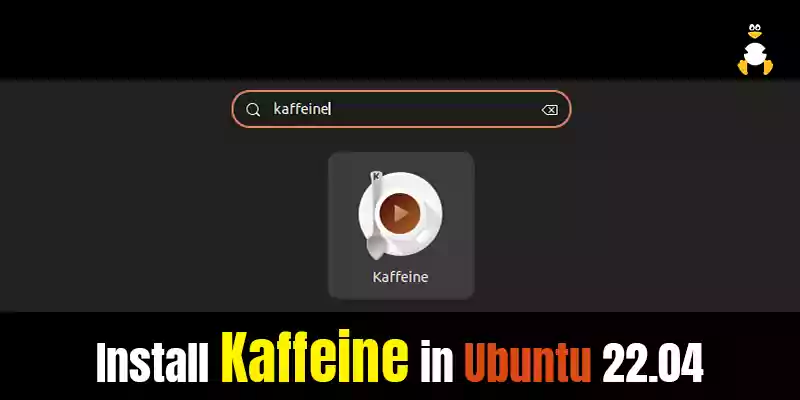
Kaffeine can be installed on Ubuntu 22.04 using the Ubuntu’s repository and the snap store. Kaffeine is a multimedia player to play/manage media files.
Apache OpenOffice can be installed on Ubuntu 22.04 by using the deb package. Prior to that, you need to remove LibreOffice to avoid dependencies conflict.

To install FreeFileSync on Ubuntu 22.04, download and unzip the setup file. Then make it executable, and run it to start the installation of FreeFileSync.
To install the KDevelop using the APT official package repository, run the “sudo apt install kdevelop -y” command in terminal.
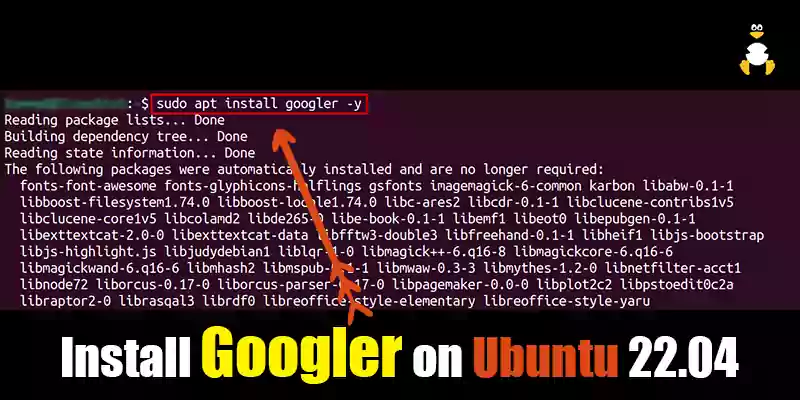
Googler can be installed on Ubuntu 22.04 from the default repository of Ubuntu or from the snap store. It can perform Google searches via commands.
To install Kdenlive in Ubuntu 22.04, run the “sudo apt install kdenlive -y” command on terminal or use the Ubuntu Software Center for Kdenlive installation.

Google Cloud SDK can be installed on Ubuntu 22.04 via CLI and tar file. You can interact with any programming language of your choice through Google Cloud APIs.

On Ubuntu 22.04, Google Chrome can be installed using the deb package or adding the repository of Google. Chrome is regarded as a modern-age browser.

To install KVM on Ubuntu 22.04, first enable Virtualization and install a CPU checker. Then install KVM and other dependencies and create the virtual machine.